UI/UX Design Using Figma
Master UI/UX Design Using Figma and learn how to create visually appealing, user-friendly digital experiences. This course covers wireframing, prototyping, user research, design systems, and collaborative design techniques using Figma. Ideal for beginners and aspiring designers, it provides practical knowledge and hands-on projects to help you build professional UI/UX design skills and create industry-ready portfolios.




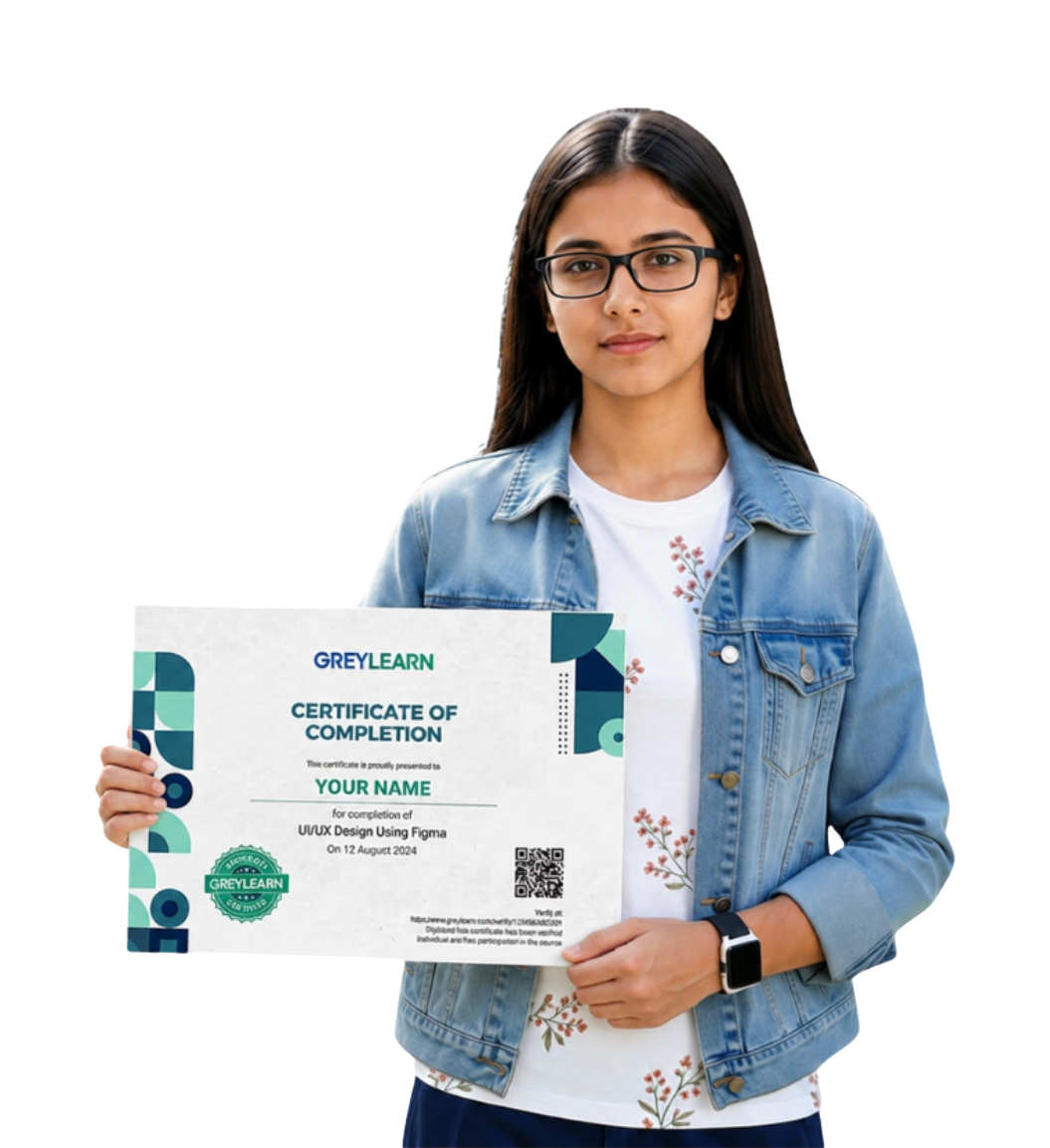
The Certificate course for you!
Create reusable design systems and components.
Develop a portfolio showcasing real-world design projects.
Collaborate effectively using Figma's team features.
What Will You Learn?
Increase career opportunities in the digital design industry.
Develop practical experience through hands-on projects.
Understand modern design trends and best practices.
Prepare for freelance and full-time design roles.
Course Curriculum
- Introduction to UI/UX Design Course 0:03 Min
- What is UI/UX Design? 0:05 Min
- The Design Thinking Process 0:05 Min
- Introduction to Figma 0:05 Min
- UI/UX Basics & Figma Fundamentals 0:15 Min
- Activity: Create a Mood Board on Figma for a Simple Project
- The Principles of User-Centered Design 0:04 Min
- Conducting User Research 0:04 Min
- Creating User Personas 0:05 Min
- Understanding User-Centered Design 0:15 Min
- Activity: Create Two Detailed User Personas Using Figma Templates
- Principles of Visual Design 0:04 Min
- Typography and Color Theory 0:04 Min
- Creating Wireframes in Figma 0:04 Min
- Design Principles & Wireframing 0:15 Min
- Activity: Create a Wireframe for a Login and Signup Page in Figma
- Introduction to Prototyping 0:04 Min
- Animation Basics 0:04 Min
- Usability Testing with Prototypes 0:04 Min
- Animation Techniques & UI Interactions 0:10 Min
- Activity: Design and Prototype a Simple E-Commerce Product Page in Figma
- Designing for Mobile Apps vs. Web Apps 0:05 Min
- Accessibility Design 0:04 Min
- UI/UX Trends and Future Insights 0:05 Min
- Evaluating & Critiquing UI/UX Design 0:10 Min
- Activity: Redesign a Poorly Designed Page to Be Mobile-Friendly and Accessible
- Creating a Professional UI/UX Portfolio 0:05 Min
- Design Handoff and Collaboration 0:04 Min
- Mock Interviews and Job Prep 0:04 Min
- Portfolio Building and Industry Best Practices 0:25 Min
- Meet Your AI Design Buddy + Figma Setup 0:04 Min
- Plan User Flows & Wireframes with AI 0:04 Min
- Design System & Visual Style with AI 0:04 Min
- Smart Prototyping & AI Testing 0:04 Min
- UI/UX Design Using Figma with AI 0:15 Min
- Food Delivery App Login Screen
- E-Commerce Product Page Design
- Travel App Wireframe
- Fitness Dashboard UI
- Restaurant Website Redesign
Learn With GreyLearn
-
Real-world website and mobile app design projects.
-
Portfolio-building opportunities for career growth.
-
Interactive learning with practical exercises.
-
Industry-relevant curriculum aligned with modern design practices.
-
Exposure to collaborative design workflows in Figma.
-
Certification of completion.
What Learners Say

Prakash Bansal
Simple annotations explain states empty and loading i learned to structure files and name layers clearly research notes connect pain points to screen goals

Anushka Kaur
The approach scales from concepts to production i ensure touch targets are comfortable and consistent i balance brand style with clear usability needs

Ira Kaur
Developers trust my specs because they are precise the library keeps icons buttons and inputs consistent micro copy guides users with friendly direct language

Ishaan Yadav
The critique format showed how to give helpful feedback i gather insights and turn them into simple screens interactive components save time on repeating work

Aparna Mehta
I align teams with simple checklists and review notes the grid system and spacing scale my layouts with order i plan empty states errors and

Priya Shinde
Auto layout and constraints keep designs flexible and clean my components scale to new use cases without hacks the library keeps icons buttons and inputs
Frequently Asked Questions
Have something to know? Check here if you have any questions about us.